Array Flatten in JavaScript

I’m a Computer Science student learning web development by building real projects and writing about what I learn along the way. I enjoy breaking down core web concepts like HTML, CSS, networking, and browser internals in a simple, beginner-friendly way. Currently exploring frontend development, backend basics, and how the web works behind the scenes. I believe consistency beats perfection, and learning gets easier when you explain things in your own words.
Introduction
In JavaScript, arrays can contain other arrays, forming what we call nested arrays. While this structure is useful, it can sometimes make data harder to work with.
Flattening arrays is the process of converting nested arrays into a single-level array. This is a common task in real-world applications and technical interviews.
What Are Nested Arrays?
A nested array is an array that contains other arrays as elements.
Example
const arr = [1, [2, 3], [4, [5, 6]]];
Why Flattening Arrays is Useful
Flattening helps when:
You need a simple list of values
You want to process all elements uniformly
You are preparing data for APIs or UI rendering
Concept of Flattening
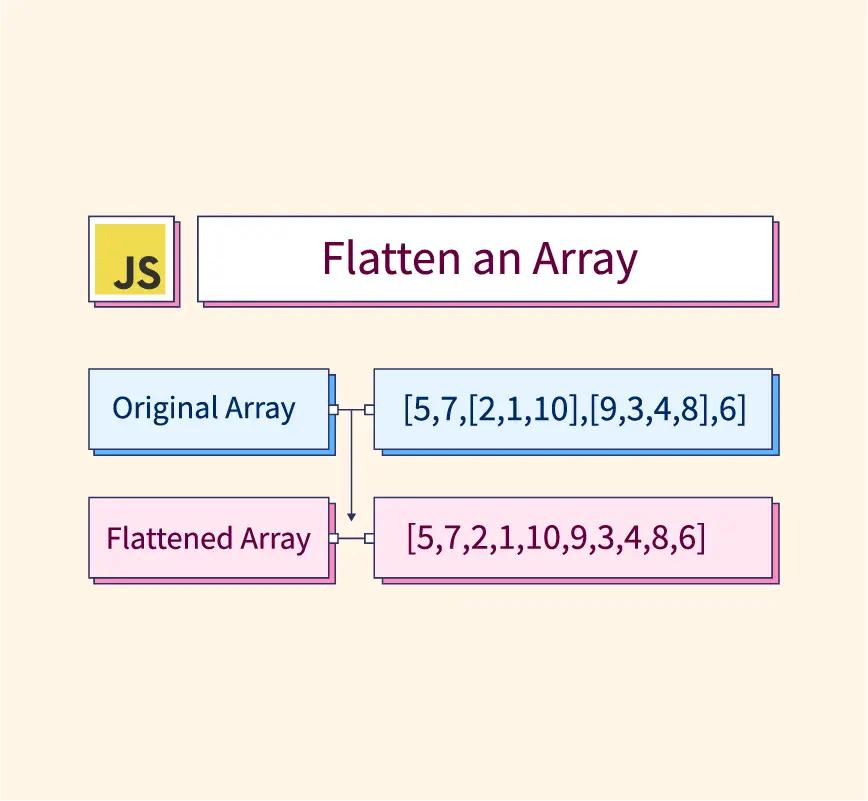
Flattening removes all levels of nesting and produces a single array.
Example
Input:  [1, [2, 3], [4, [5, 6]]]
Output: [1, 2, 3, 4, 5, 6]
Approach 1: Using flat()
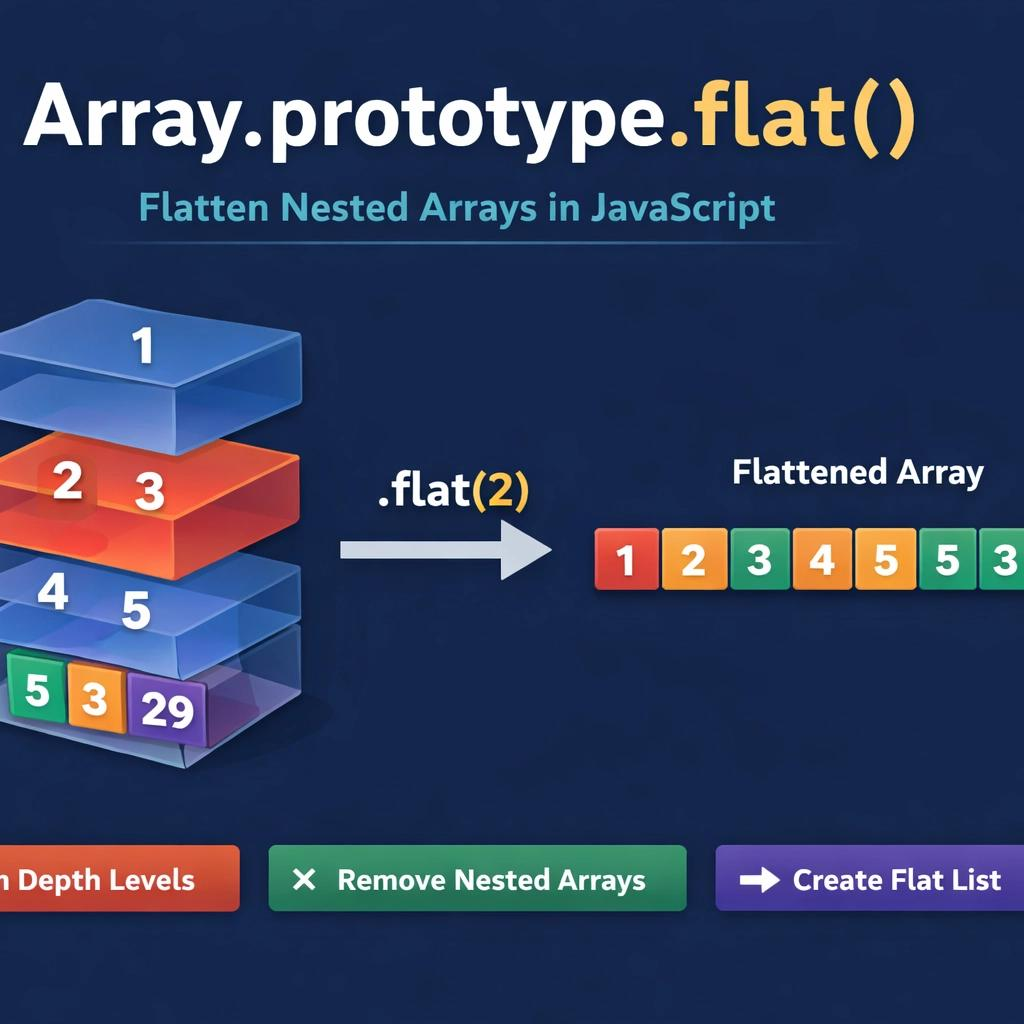
JavaScript provides a built-in method for flattening arrays.
const arr = [1, [2, 3], [4, [5, 6]]];

console.log(arr.flat(2)); // [1, 2, 3, 4, 5, 6]
Explanation
The number (2) specifies depth
Use Infinity for complete flattening
arr.flat(Infinity);
Approach 2: Using Recursion (Important for Interviews)
function flattenArray(arr) {
  let result = [];

  for (let item of arr) {
    if (Array.isArray(item)) {
      result = result.concat(flattenArray(item));
    } else {
      result.push(item);
    }
  }

  return result;
}

console.log(flattenArray([1, [2, 3], [4, [5, 6]]]));
Approach 3: Using reduce()
function flatten(arr) {
  return arr.reduce((acc, item) => {
    return acc.concat(Array.isArray(item) ? flatten(item) : item);
  }, []);
}
Step-by-Step Thinking
When solving flatten problems:
Loop through each element
Check if it is an array
If yes → flatten it recursively
If no → add it to the result
Common Interview Variations
Flatten One Level
arr.flat(1);
Flatten Infinite Levels
arr.flat(Infinity);
Without Built-in Methods
Use recursion (as shown above).
Real-World Example
const apiData = [1, [2, [3, 4]], 5];

const cleanedData = apiData.flat(Infinity);
Useful for:
Data transformation
API normalization
UI rendering
Key Takeaways
Nested arrays contain arrays inside arrays
Flattening converts them into a single-level array
flat() is the easiest method
Recursion is important for interviews
Understanding the logic improves problem-solving skills
Conclusion
Array flattening is a common and important concept in JavaScript. Whether using built-in methods or implementing your own logic, mastering this concept helps you handle complex data structures effectively.
Final Tip
For interviews, always practice writing a recursive solution without using built-in methods. This demonstrates strong problem-solving skills and a deeper understan